




Neko Expense

AI-Powered Receipt Scanning & Expense Management

SecureEasyAffordableFast

Snap a photo, send an email, or WhatsApp your receipts — our AI extracts every detail in seconds. Start free with 100 receipts per month.

Scroll to learn more
decorative vectordecorative vectorbackgroundAI receipt scanning from multiple sources

Submit Receipts Your Way — AI Handles the Rest

Snap a photo from your phone, forward an email, send via WhatsApp, or enter details manually. Our AI instantly reads your receipts, extracts merchant names, dates, totals, and line items — then organizes everything into your expense account automatically.

Submit receipts via WhatsAppSubmit receipts via GmailSubmit receipts via email or Outlook

Everything You Need to Manage Business Expenses with AI

AI-powered receipt scanning dashboardAI-powered receipt scanning dashboard

AI Receipt Scanning in Seconds

Our AI reads receipts in real time — extracting merchant, date, amount, tax, and line items automatically. No manual typing required.

Expense reporting and analyticsExpense reporting and analytics

Smart Expense Reports & Analytics

Generate detailed expense reports with one click. Track spending by category, set budgets, and enforce expense policies across your team.

Mobile and desktop expense managementMobile and desktop expense management

Works Everywhere You Do

Access NekoExpense from your phone, tablet, or desktop. Create, submit, and approve expenses on the go — anytime, anywhere.

Expense reporting and analytics

Smart Expense Reports & Analytics

Generate detailed expense reports with one click. Track spending by category, set budgets, and enforce expense policies across your team.

AI-powered receipt scanning

AI Receipt Scanning in Seconds

Our AI reads receipts in real time — extracting merchant, date, amount, tax, and line items automatically. No manual typing required.

Mobile and desktop access

Works Everywhere You Do

Access NekoExpense from your phone, tablet, or desktop. Create, submit, and approve expenses on the go — anytime, anywhere.

How AI Receipt Scanning Works — 3 Simple Steps

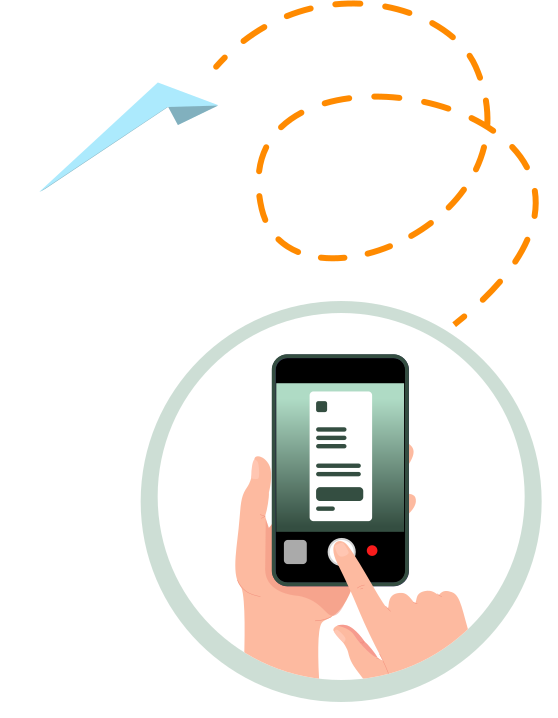
Step 1: Submit your receipt

Snap a photo, email, or WhatsApp your receipt to NekoExpense.

Step 2: AI processes and extracts data

Our AI instantly reads and extracts all receipt details into your account.

Step 3: Download reports

Review, categorize, and download expense reports anytime.

Step 1

Snap a photo, email, or WhatsApp your receipt to NekoExpense.

Submit receipt illustration
AI processing illustration
Step 2

Our AI instantly reads and extracts all receipt details into your account.

Step 3

Review, categorize, and download expense reports anytime.

Download reports illustration
Enterprise-grade data encryption and security

Enterprise-Grade Data Protection

Your receipt data is encrypted with industry-standard SSL and stored securely. We never share your financial information with third parties. Bank-level security meets the simplicity of sending a message.

Security padlock

Start Managing Expenses with AI — Free

Get started with our free plan: store up to 1,000 receipts and process 100 per month with AI. No credit card required. Upgrade to Pro for $8/month when you need more.

Download NekoExpense on the App Store
Team using NekoExpense for expense management